




服务热线
15527777548/18696195380
发布时间:2022-03-13
简要描述:
关于njsscannjsscan是一款功能强大的静态应用程序测试(SAST)工具,可以帮助广大研究人员找出Node.JS应用程序中不安全的代码模式。该工具使用了libsast的简单模式匹配器和语法...
njsscan是一款功能强大的静态应用程序测试(SAST)工具,可以帮助广大研究人员找出Node.JS应用程序中不安全的代码模式。该工具使用了libsast的简单模式匹配器和语法感知语义代码模式搜索工具semgrep实现其功能。
当前版本的njsscan仅支持在macOS和Linux系统环境下运行,该工具基于Python开发,因此我们首先需要在本地设备上安装并配置好Python 3.6+环境。接下来,运行下列命令即可下载和安装njsscan:
pip install njsscan
$ njsscan

usage: njsscan [-h] [--json] [--sarif] [--sonarqube] [--html] [-o OUTPUT] [-c CONFIG] [--missing-controls] [-w] [-v] [path ...]


positional arguments:

  path                  包含源码的文件或目录路径


optional arguments:

  -h, --help             显示帮助信息和退出

  --json                设置数据输出格式为JSON

  --sarif                设置数据输出格式为SARIF 2.1.0

  --sonarqube          设置数据输出格式兼容SonarQube

  --html                设置数据输出格式为HTML

  -o OUTPUT, --output OUTPUT

                        设置存储输出结果的文件名

  -c CONFIG, --config CONFIG

                        .njsscan配置文件的路径

  --missing-controls     启用安全控制缺失检测

  -w, --exit-warning     报告非0退出代码non zero exit code on warning

  -v, --version          显示njsscan版本信息
$ njsscan test.js

- Pattern Match ████████████████████████████████████████████████████████████ 1

- Semantic Grep ███████████████████████████ 160


njsscan: v0.1.9 | Ajin Abraham | opensecurity.in

╒═════════════╤═══════════════════════════════════════════════════════════════════════════════════════════════╕

│ RULE ID     │ express_xss                                                                                   │

├─────────────┼───────────────────────────────────────────────────────────────────────────────────────────────┤

│ OWASP       │ A1: Injection                                                                                 │

├─────────────┼───────────────────────────────────────────────────────────────────────────────────────────────┤

│ CWE         │ CWE-79: Improper Neutralization of Input During Web Page Generation ('Cross-site Scripting')  │

├─────────────┼───────────────────────────────────────────────────────────────────────────────────────────────┤

│ DESCRIPTION │ Untrusted User Input in Response will result in Reflected Cross Site Scripting Vulnerability. │

├─────────────┼───────────────────────────────────────────────────────────────────────────────────────────────┤

│ SEVERITY    │ ERROR                                                                                         │

├─────────────┼───────────────────────────────────────────────────────────────────────────────────────────────┤

│ FILES       │ ╒════════════════╤═══════════════════════════════════════════════╕                            │

│             │ │ File           │ test.js                                       │                            │

│             │ ├────────────────┼───────────────────────────────────────────────┤                            │

│             │ │ Match Position │ 5 - 46                                        │                            │

│             │ ├────────────────┼───────────────────────────────────────────────┤                            │

│             │ │ Line Number(s) │ 7: 8                                          │                            │

│             │ ├────────────────┼───────────────────────────────────────────────┤                            │

│             │ │ Match String   │ const { name } = req.query;                   │                            │

│             │ │                │     res.send('h1> Hello :' + name + "/h1>") │                            │

│             │ ╘════════════════╧═══════════════════════════════════════════════╛                            │

╘═════════════╧═══════════════════════════════════════════════════════════════════════════════════════════════╛>>> from njsscan.njsscan import NJSScan
>>> node_source = '/node_source/true_positives/sqli_node.js'
>>> scanner = NJSScan([node_source], json=True, check_controls=False)
>>> scanner.scan()
{
'templates': {},
'nodejs': {
'node_sqli_injection': {
'files': [{
'file_path': '/node_source/true_positives/sqli_node.js',
'match_position': (1, 24),
'match_lines': (4, 11),
'match_string': 'var employeeId = req.foo;\n\nvar sql = "SELECT * FROM trn_employee WHERE employee_id = " + employeeId;\n\n\n\nconnection.query(sql, function (error, results, fields) {\n\n if (error) {\n\n throw error;\n\n }\n\n console.log(results);'
}],
'metadata': {
'owasp': 'A1: Injection',
'cwe': "CWE-89: Improper Neutralization of Special Elements used in an SQL Command ('SQL Injection')",
'description': 'Untrusted input concatinated with raw SQL query can result in SQL Injection.',
'severity': 'ERROR'
}
}
},
'errors': []
}项目根目录中又一个.njsscan文件,可以允许我们对njsscan进行自定义配置。除此之外,我们还可以使用“--config”参数来使用其他的自定义.njsscan配置文件:
---

- nodejs-extensions:

  - .js


  template-extensions:

  - .new

  - .hbs

  - ''


  ignore-filenames:

  - skip.js


  ignore-paths:

  - __MACOSX

  - skip_dir

  - node_modules


  ignore-extensions:

  - .jsx


  ignore-rules:

  - regex_injection_dos

  - pug_jade_template


  severity-filter:

  - WARNING

  - ERROR
我们可以将下列内容添加进.github/workflows/njsscan_sarif.yml文件中,并对GitHub代码库进行安全扫描:
name: njsscan sarif

on:

  push:

    branches: [ master, main ]

  pull_request:

    branches: [ master, main ]

jobs:

  njsscan:

    runs-on: ubuntu-latest

    name: njsscan code scanning

    steps:

    - name: Checkout the code

      uses: actions/checkout@v2

    - name: nodejsscan scan

      id: njsscan

      uses: ajinabraham/njsscan-action@master

      with:

        args: '. --sarif --output results.sarif || true'

    - name: Upload njsscan report

      uses: github/codeql-action/upload-sarif@v1

      with:

        sarif_file: results.sarif
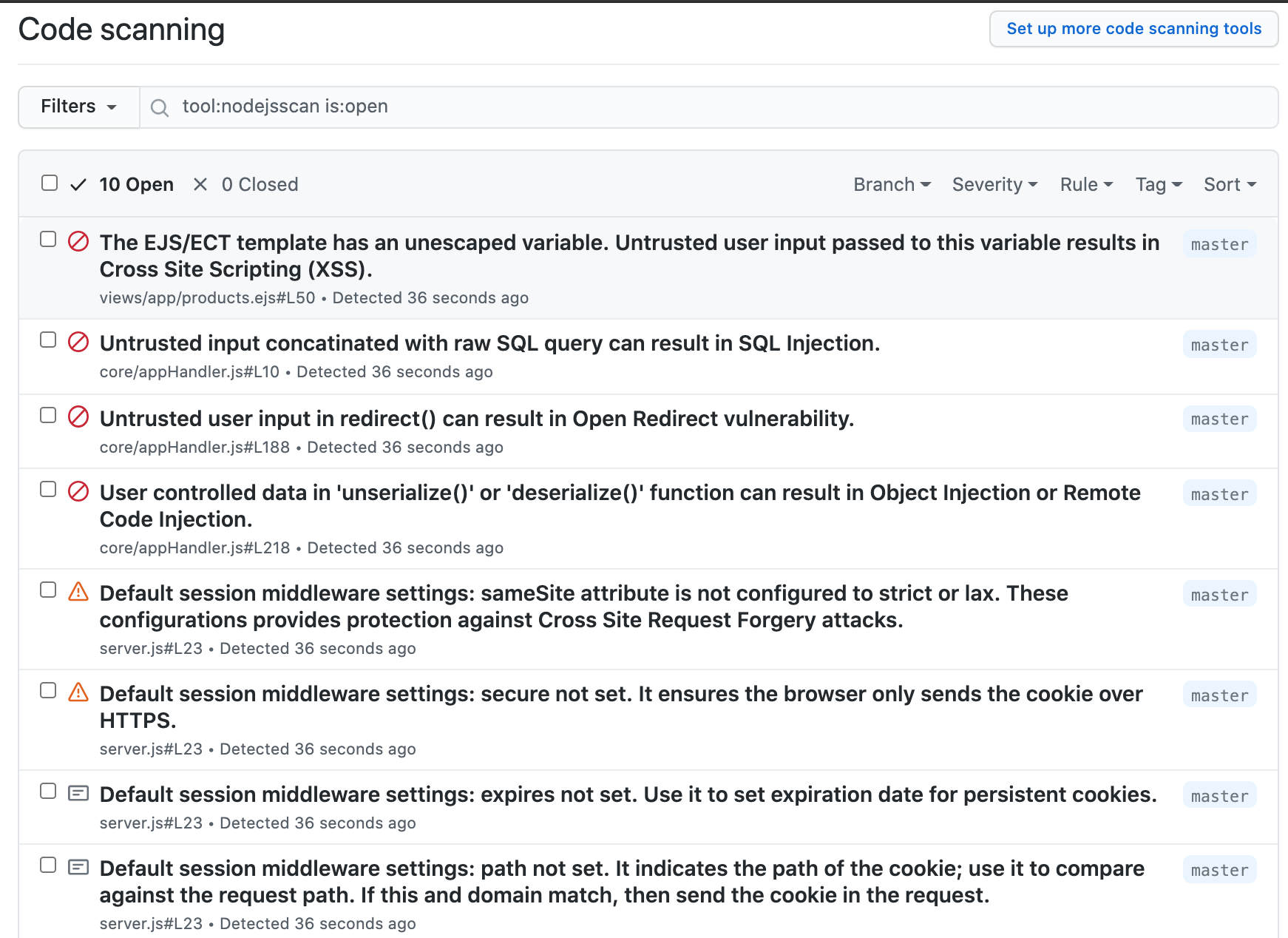
我们还可以通过DockerHub使用预构建镜像:
docker pull opensecurity/njsscan

docker run -v /path-to-source-dir:/src opensecurity/njsscan /src
或者在本地进行手动构建:
docker build -t njsscan .

docker run -v /path-to-source-dir:/src njsscan /src
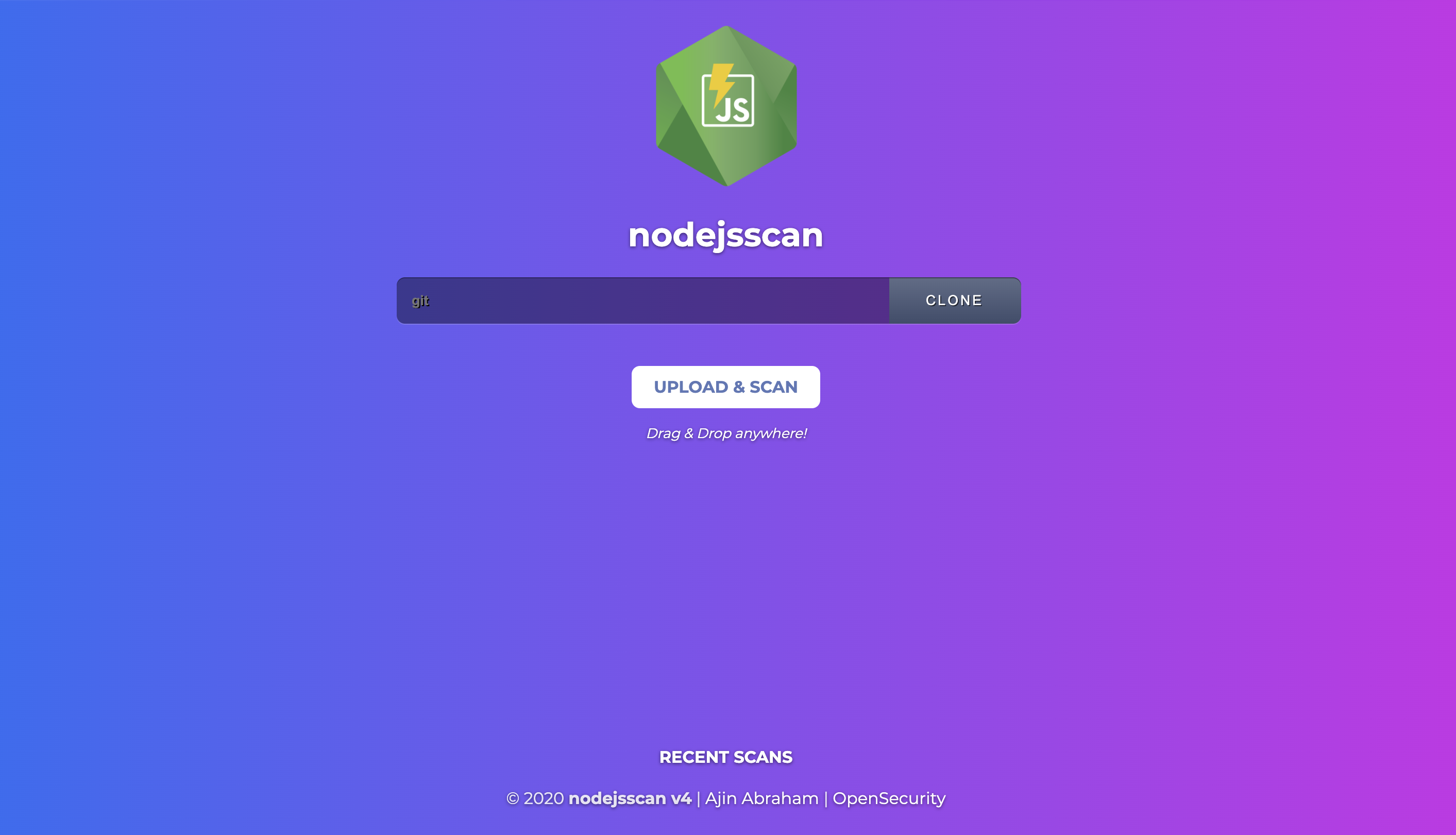
nodejsscan基于njsscan实现,并提供了完整的漏洞管理用户接口以及其他的一些功能集成:
njsscan:【GitHub传送门】
https://github.com/ajinabraham/libsast
https://github.com/returntocorp/semgrep
https://opsecx.com/index.php/product/node-js-security-pentesting-and-exploitation/?uid=github
上一篇:记一次与挖矿木马的较量
如果您有任何问题,请跟我们联系!
联系我们
Copyright © 武汉网盾科技有限公司 版权所有 备案号:鄂ICP备2023003462号-5
地址:联系地址:湖北省武汉市东湖新技术开发区武大科技园兴业楼北楼1单元2层